AI Game Idea Generator for Unreal Engine: Turn Your Ideas Into Game Concepts
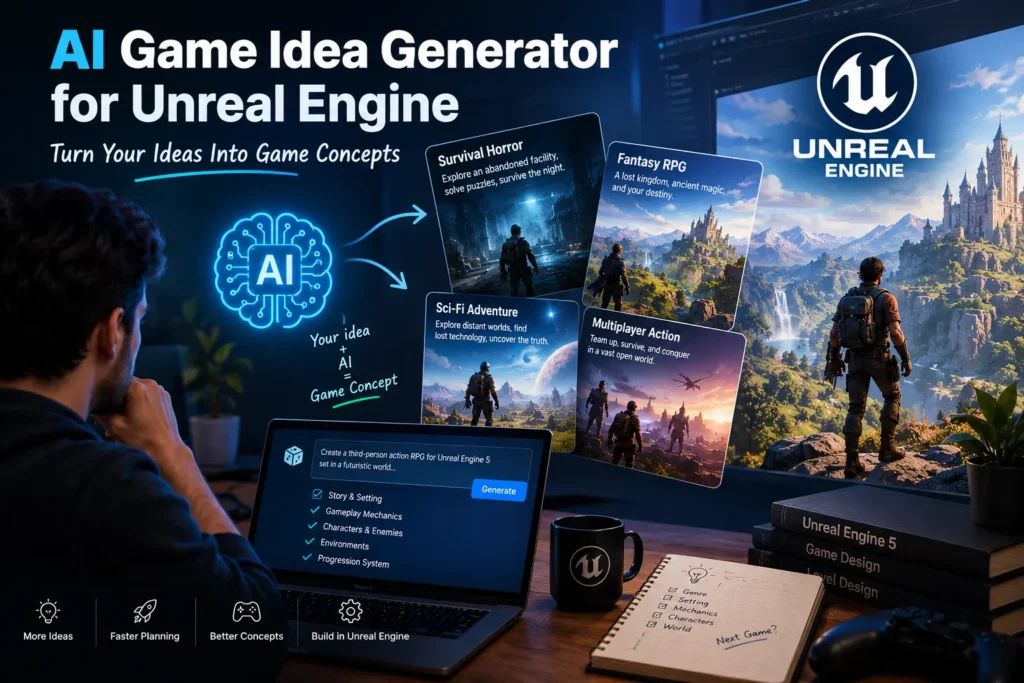
You may have a basic concept in your mind—an open-world RPG, a survival horror game, a futuristic shooter, or a multiplayer adventure—but turning that small idea into a complete game concept can take a lot of brainstorming. This is where an AI game idea generator for Unreal Engine can help. AI can help you explore different game concepts, gameplay mechanics, stories, characters, environments, and game loops based on a few simple instructions. For developers using Unreal Engine 5, it can be a useful starting point during the early stages of game development. What Is an AI Game Idea Generator for Unreal Engine? An AI game idea generator is a tool that uses artificial intelligence to help developers brainstorm and develop game concepts. Instead of starting with a blank page, you can describe what you want to build. For example: “Create a third-person survival game for Unreal Engine 5 set in a post-apocalyptic city where players must find resources while avoiding AI-controlled enemies.” Based on this prompt, AI can generate a broader concept with a story, gameplay loop, characters, enemies, objectives, and progression ideas. The important thing to remember is that the AI is helping with ideation and planning. It doesn’t automatically turn an idea into a finished Unreal Engine game. Why Use AI to Generate Unreal Engine Game Ideas? Game development involves a lot of experimentation. Before you start creating assets, environments, Blueprints, and gameplay systems, you need to know what you are actually building. AI can make this brainstorming process faster. For example, if you want to create a horror game but don’t know what kind of horror experience to build, you could ask AI for several concepts based on different settings. You might get ideas involving: You can then take the concept you like and develop it further. What Kind of Game Ideas Can AI Generate? There are almost no limits to the types of concepts you can explore. You can ask for ideas for: You can also combine genres. For example, instead of simply asking for a horror game, you could ask for: “A cooperative survival horror game with RPG progression and resource management for Unreal Engine 5.” This gives the AI much more direction. How to Generate Better Unreal Engine Game Ideas With AI The quality of the result depends heavily on the information you provide. A simple prompt like: “Give me a game idea.” will probably produce a generic concept. Instead, provide some context. 1. Choose a Genre Start with the type of game you want to create. For example: “I want to create a third-person action RPG.” 2. Describe the Setting Tell the AI where the game takes place. For example: “The game takes place in a futuristic city after a global AI disaster.” 3. Define the Gameplay Explain what the player actually does. For example: “Players explore the city, collect resources, fight hostile machines, complete missions, and upgrade their equipment.” 4. Mention Your Target Platform You can specify whether you’re targeting PC, console, mobile, or multiple platforms. 5. Consider Your Development Scope This is particularly important for indie developers. A massive open-world game with hundreds of characters and complex multiplayer systems may sound exciting, but it can also require a huge amount of development time and resources. Ask AI to keep the idea realistic for your team. Also Read More: Top 10 AI Photo Editing Tools for Gamers in 2026 Example Prompt for an Unreal Engine Game Here’s a prompt you can try: “Generate a game concept for Unreal Engine 5. The game should be a third-person sci-fi survival adventure for PC. It should be suitable for a small indie development team. Include the story, core gameplay loop, player abilities, enemies, environment, progression system, and five unique missions.” The resulting concept can then become the foundation for your game design document. From AI Idea to Unreal Engine Prototype Once you have a game concept, the next step is turning the idea into something playable. Unreal Engine provides tools that can help you build different parts of the game. For example, you can use Blueprints to create gameplay logic without writing every system from scratch. You can also use Unreal Engine’s tools for environments, animation, lighting, materials, audio, effects, and AI behavior. Your development process might look something like this: AI idea → Game concept → Game design document → Prototype → Gameplay testing → Development → Optimization AI can assist at several points along the way, but testing the actual gameplay is still essential. Can AI Help With Unreal Engine Game Mechanics? Yes. You can ask AI to brainstorm mechanics for your game. For example: “Give me five unique combat mechanics for a third-person sci-fi RPG that can be prototyped using Unreal Engine Blueprints.” You could then explore ideas such as energy-based weapons, environmental combat, enemy weaknesses, character abilities, or dynamic combat events. AI can also help explain how a particular mechanic could be structured before you implement it. AI Game Ideas for Indie Developers For indie developers, one of the biggest advantages of using AI is that it can help expand a small idea into several possible directions. Suppose your original idea is: “A survival game in a forest.” That’s a starting point, but it’s very broad. You could ask AI to turn it into: You can compare the concepts based on development scope and choose the direction that fits your project. Does AI Create Original Game Ideas? AI can generate new combinations of themes, mechanics, settings, and gameplay concepts, but you shouldn’t assume that every generated idea is completely original. Before releasing a game, developers should review the concept and make sure they aren’t unintentionally copying an existing game’s characters, story, mechanics, branding, or other protected elements. The best approach is to use AI as a creative brainstorming partner, then add your own ideas and development decisions. Can AI Build the Entire Unreal Engine Game? Not by simply generating an idea. AI can assist with many parts of development, including